
When I was small I got lost in Hong Kong. I didn’t speak the language.
On later trips, to China and to other countries where I don’t know the language, I couldn’t use mobile data. Each time I wished for the same thing: a translator that needs no connection, so I could understand people and talk with them.
Knowless is my attempt at it. It turns speech into live transcription and translation on the phone itself. I designed it, and built it with AI-assisted tools.1 It is probably the simplest app I’ve made: one screen and one button. Getting it that simple took three wrong turns.
First try: a radar
The first version was a radar that listened all the time. I imagined it could tell where a speaker was from the audio alone.
It didn’t take long to learn it couldn’t. My phone gives me no spatial audio from a recording, so nothing in it says where a voice is coming from. From what I read, a newer model might. I don’t own one. I stopped trying to do it with sound.
Second try: both cameras
So I tried eyes instead of ears. Front and back cameras running at once, looking for the face that was speaking, so the app would know where that person was.
It got as far as a working build on my phone, with everything on the device and no server: it watched both cameras and tried to match each voice to a face. It failed in the way that matters. The phone ran hot. The battery drained fast. It froze, often. I dropped that too.
Listening with my own ears
Some decisions were smaller and mattered as much. On paper, noise reduction for loud places sounded reasonable. Then I listened to a noisy recording with my own ears. I couldn’t make out what I myself was saying. No amount of denoising would fix that, so I dropped the idea.
That is what I mean by a human in the loop. I build with AI, and I have to keep checking that what I’m asking for makes sense in the real situation. The decisions are extremely important.
The same went for the models. I tested them one at a time, which took a long while. Early on, with models downloaded to the phone, the app would have come to about four gigabytes. The first prototype also kept a conversation history. I cut that to ship in time for Shipaton, and still nearly missed the deadline.
if I can’t hear it, no filter will
What was left
One screen and one button. Press, talk, translate.
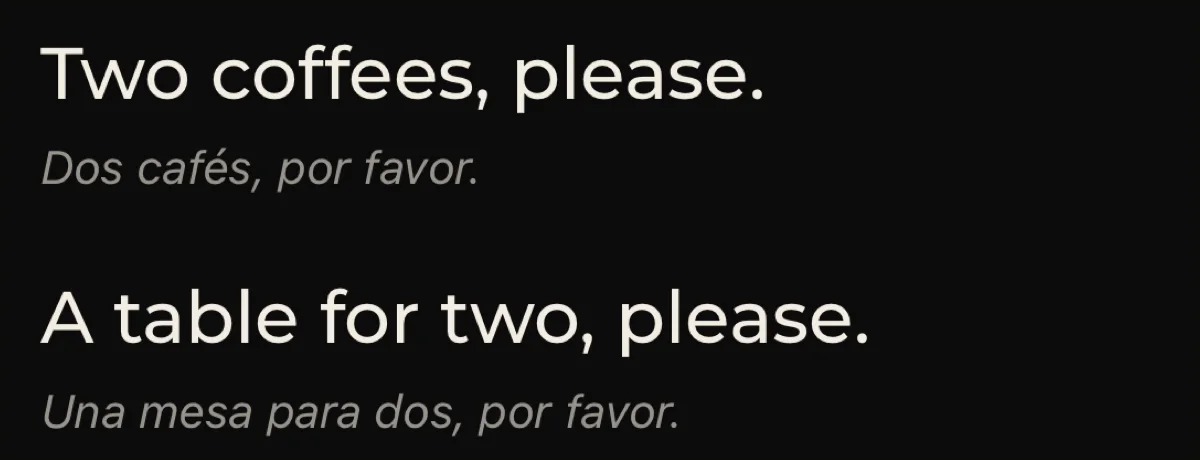
The translated line is large. The original sits directly under it: smaller, grey, italic.
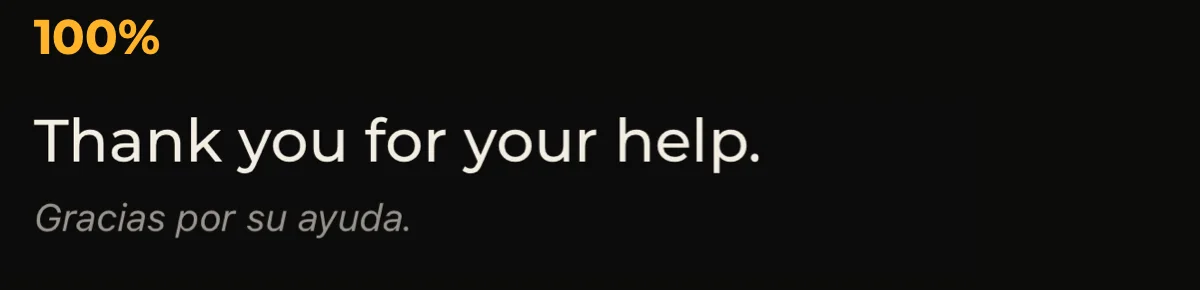
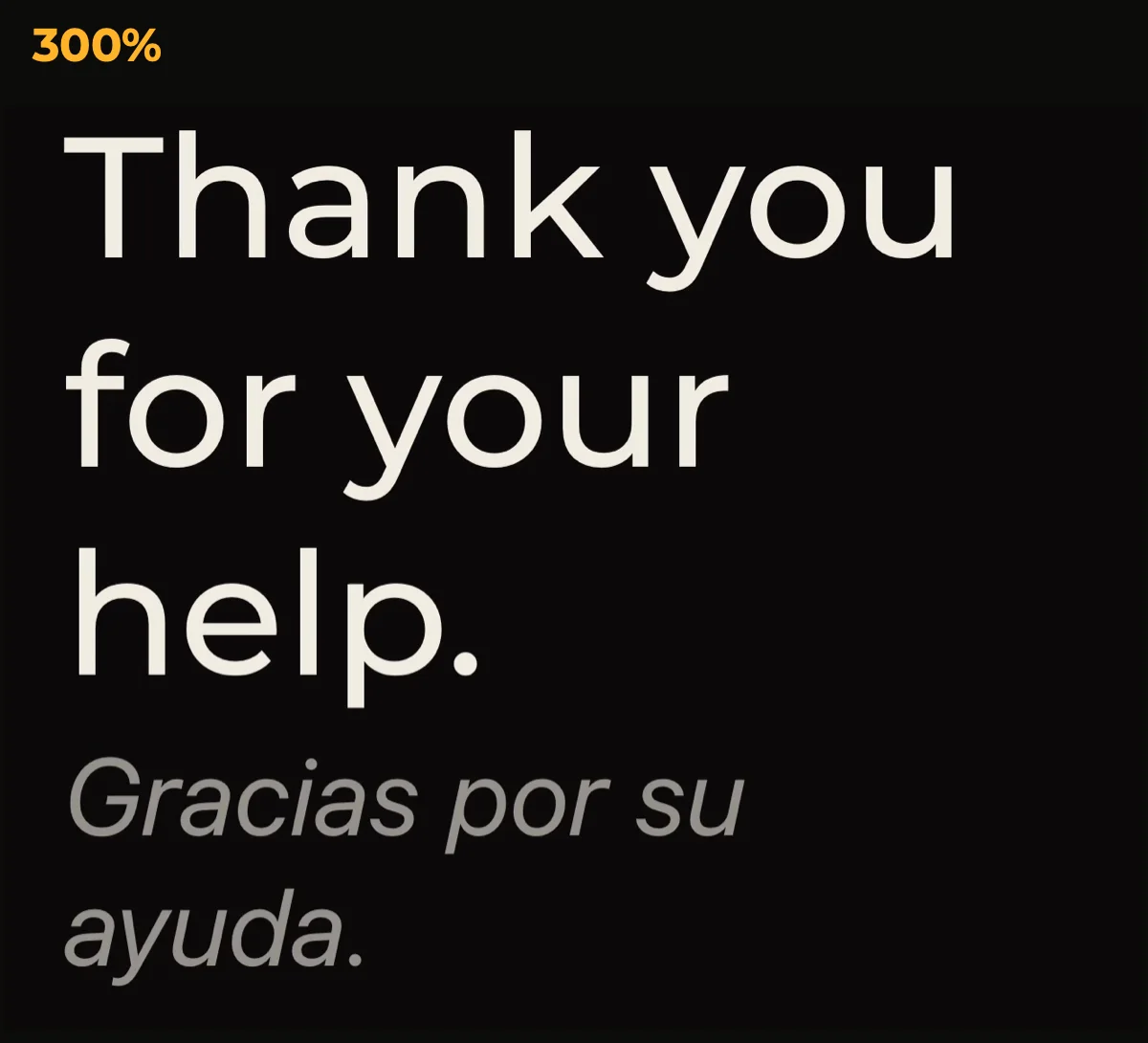
The order holds when the text grows. It scales from 50% to 300% with a pinch. Up to three listening languages are chosen ahead of time. And you can take a line with you: copy it, or have it read aloud.
The two days
A very small feature turned out to be extremely complex: how the words appear.
It looks like audio becomes text and text goes on the screen. It isn’t. Audio becomes a guess, and the guess goes on screen at once, so it feels live. Then the guess is corrected, and if the correction differs, the screen changes. After a long sentence there is another pass that corrects it again, using the context of the whole sentence.
Each of those states has to look right, and so does the waiting in between. A line that is still arriving is drawn as shifting glyphs behind an amber cursor. A settled line is plain text, and it doesn’t move.
I went back and forth between the app and a design mock for more than two days. I knew from the start I wanted it to feel intuitive, and I believed people would feel that. I didn’t expect how long it would take.
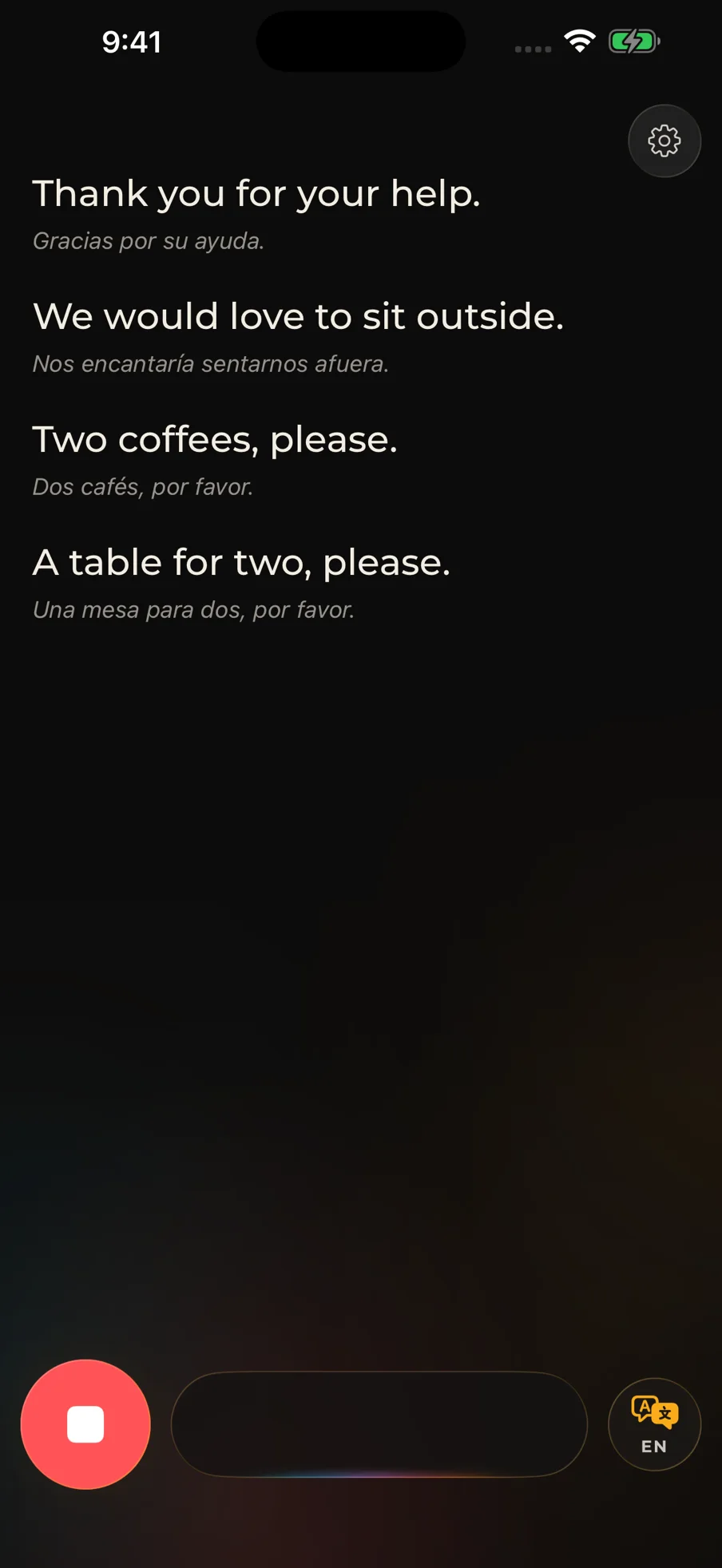
some things shouldn’t be there. not everyone notices.
Saying exactly what is true
Speech and translation run on the phone. Languages have to be downloaded once, with a connection; after that the core of it works without one. So the store screenshot I prepared says “works offline” and carries its condition in the same breath: after downloading supported languages.
What this doesn’t prove
There are no results here: no comprehension scores, no usability study, no adoption figures. What I can show is the route, and where it ended up.
Next I want two people, each with a phone, translated live to each other. That isn’t built yet.